Notes, essays and your dissertation in one place
A hundred-page document isn't something a word processor handles well. Tintero splits the work into chapters and sections, lets you write with the source open alongside, and moves from phone to laptop without you having to remember to save anything.

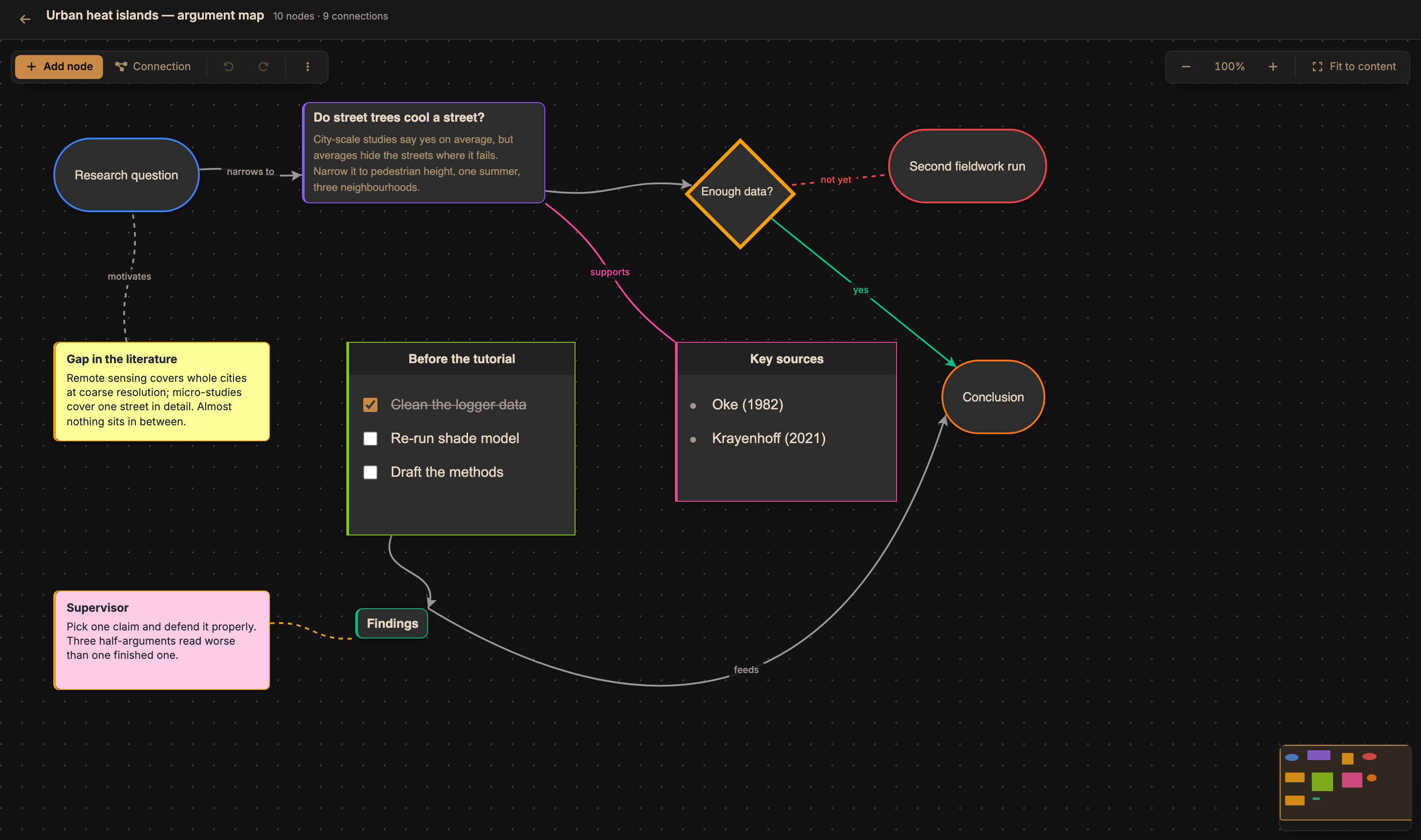


Built for work that keeps growing
What a single document stops handling somewhere around page forty.
A long piece, in parts
Chapters, sections and notes in a tree you reorder by dragging. The outline shows what you've written and what's missing without scrolling through twenty pages to find out.
Source on one side, your text on the other
Split screen with two documents at once: the paper's PDF or your notes on the left, your writing on the right. No window-hopping every thirty seconds.
From your phone in class to your laptop at home
Jot something on your phone and it's on the laptop when you open it. It works without signal too: anything written offline syncs itself once you're back online.
Knowing whether you'll make the deadline
Word targets, streaks and per-session stats. With a due date looming, seeing your real pace helps considerably more than the feeling that it's going fine.
Questions from students
Can I export to the format my university asks for?
Yes: PDF and DOCX (Word), plus EPUB, RTF and plain text. The export keeps the chapter and section structure you built.
Is it for notes, or only for long documents?
Both. You can keep a project per module with loose notes and another for your dissertation with a full chapter structure. The same tree works for twenty notes or three hundred pages.
Is it free?
During the beta, yes, with every feature. When it ends the offline version stays free; what may become paid are the online features, such as sync.
What are you writing?
Same app. Each path shows you only what you need.
Start the essay today
Everything free during the beta. And offline writing, free forever.